 CassielDrive
CassielDrive
CassielDrive
A beautifully crafted client that transforms your Google Drive into a premium, fluid, and limitless storage experience.
CASSIELDRIVEBuilt with Flutter for 120 FPS buttery smooth transitions.
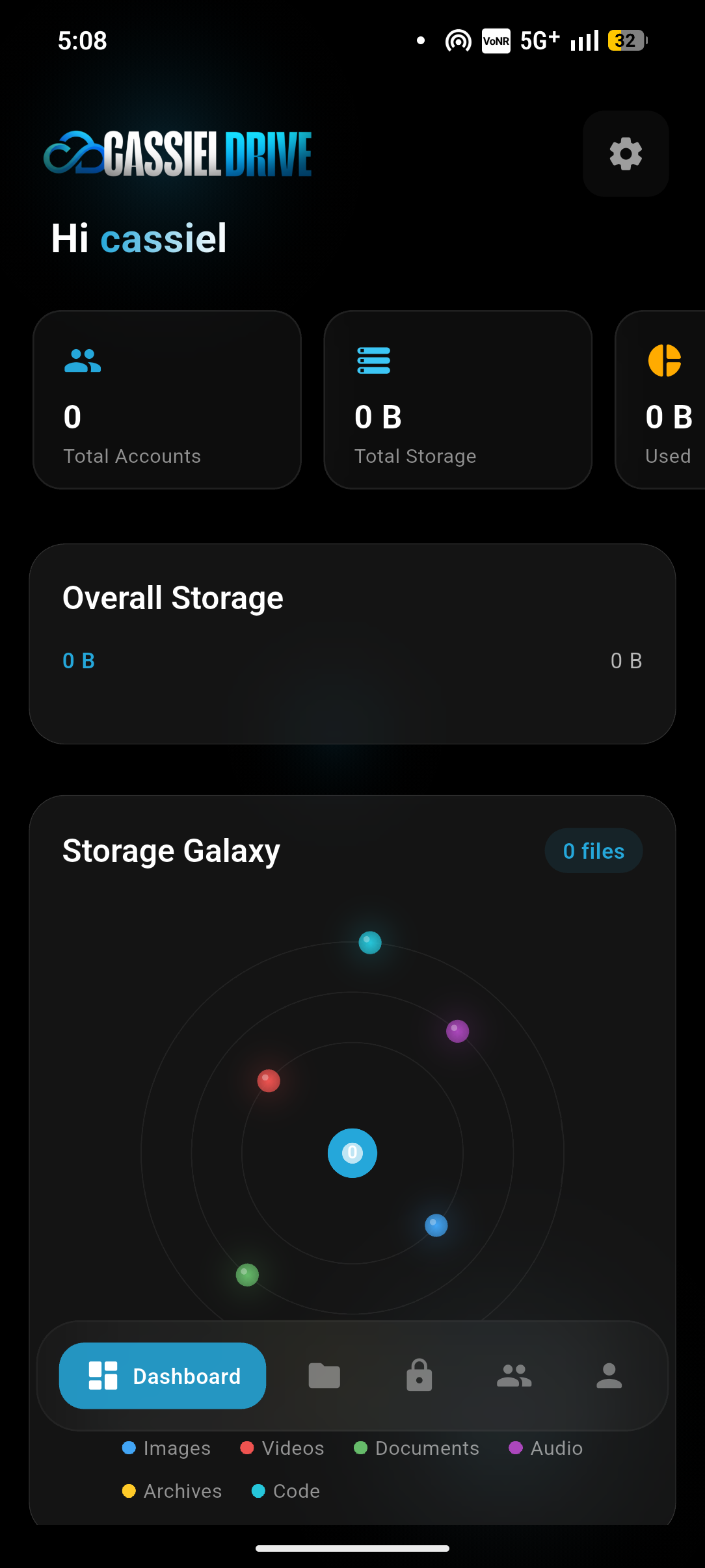
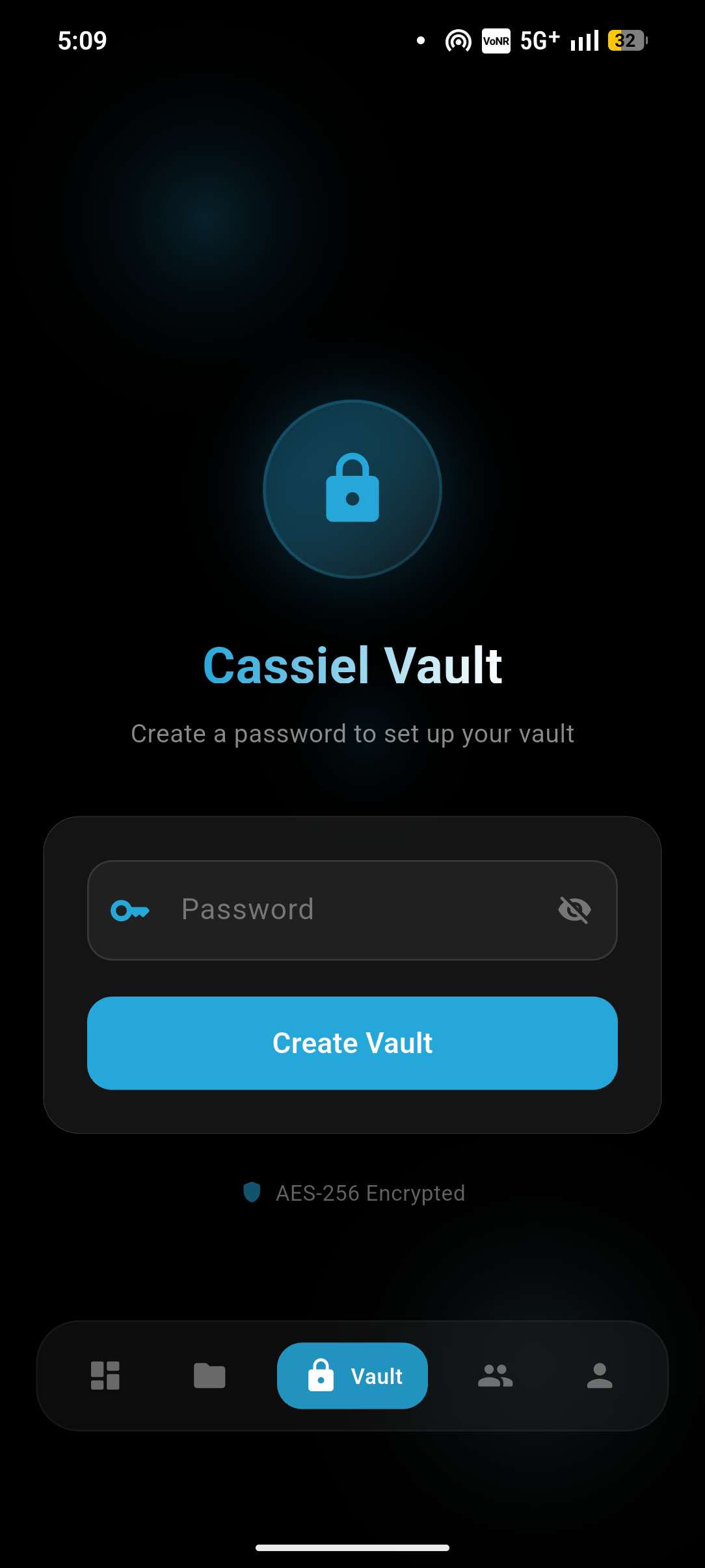
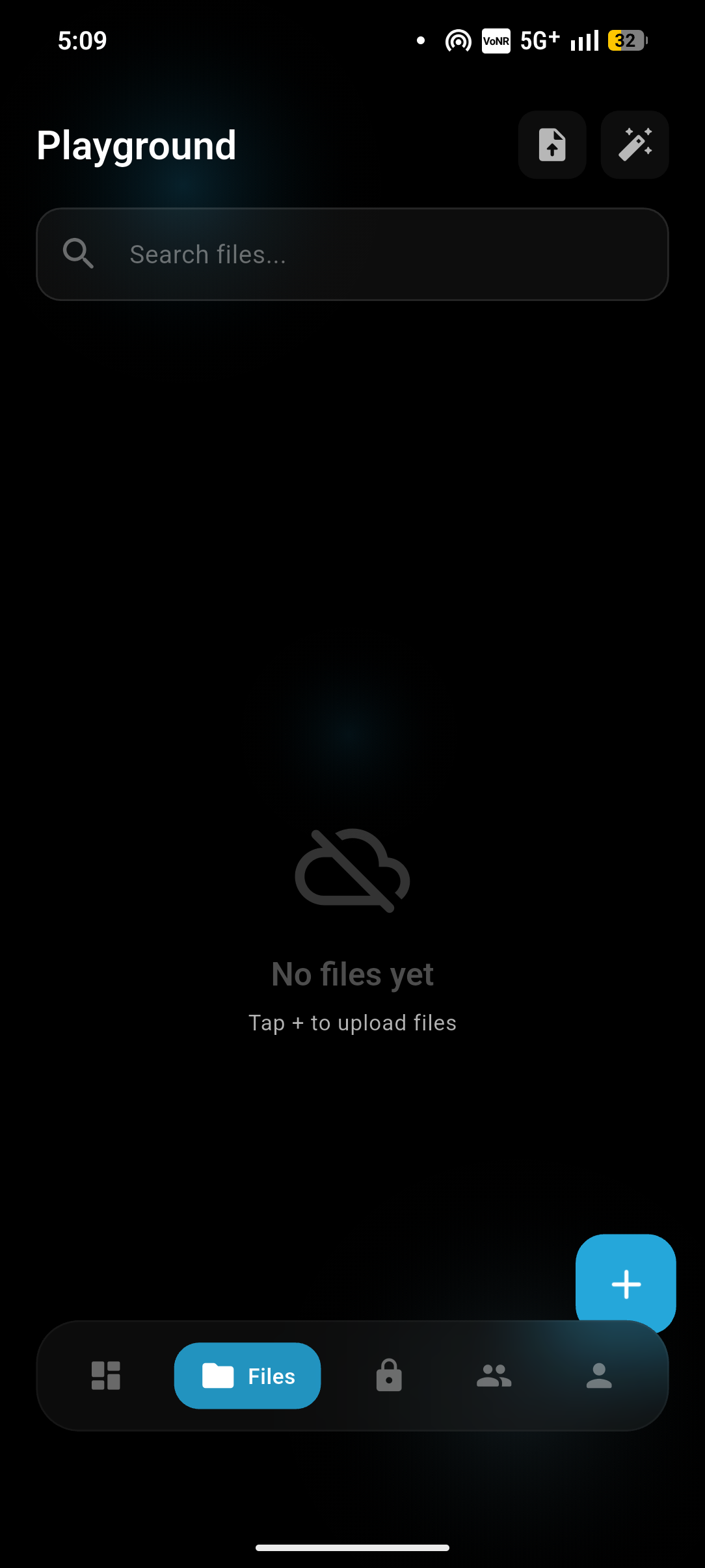
Seamlessly maps your Google Drive into a hyper-fast local interface.
AES-256 local encryption for your most sensitive documents.
Pure OLED dark mode with ambient blurred backgrounds.
iOS-like page routing and buttery smooth gestures.
Get the APK or access the Web version.
Generate a secure Google OAuth ID.
Log in securely and enjoy unlimited storage.
Open Google Cloud Console, create a new project, and enable the Google Drive API. Create OAuth credentials and select Desktop app (this is required for dynamic loopback ports on Android).
While the app is in "Testing" mode on Google Cloud, ensure your personal Google email is added to the "Test users" list under the OAuth consent screen.
Open CassielDrive, navigate to Settings, and paste your generated Client ID and Client Secret. After saving, you can click "Add Account" to authenticate.
Introduced global iOS-style smooth animations, fixed OLED pure black theme issues, overhauled dashboard width constraints, and resolved Google Auth loopback bugs natively.
Added dynamic ambient backgrounds, automated monochrome logo filter, and integrated Cassiel Vault AES-256 encryption.